CodeBlock
Syntax-highlighted code display container.
Description
Syntax-highlighted code display container. Provides the card wrapper with appropriate codebox background and no shadow. Used for PromQL expressions, YAML config, and general code display.
✓ Do
- All code display (PromQL, YAML, rule definitions)
- Read-only pre-formatted text
- Use
overflow="scroll"for wide content
✗ Don’t
- Editable code (use CodeMirror instead)
- Simple inline code (use
<code>element) - Mantine Card with manual background colors for code
Design
CodeBlock Example
rate(http_requests_total{job="prometheus"}[5m])
# YAML config
global:
scrape_interval: 15s
evaluation_interval: 15s
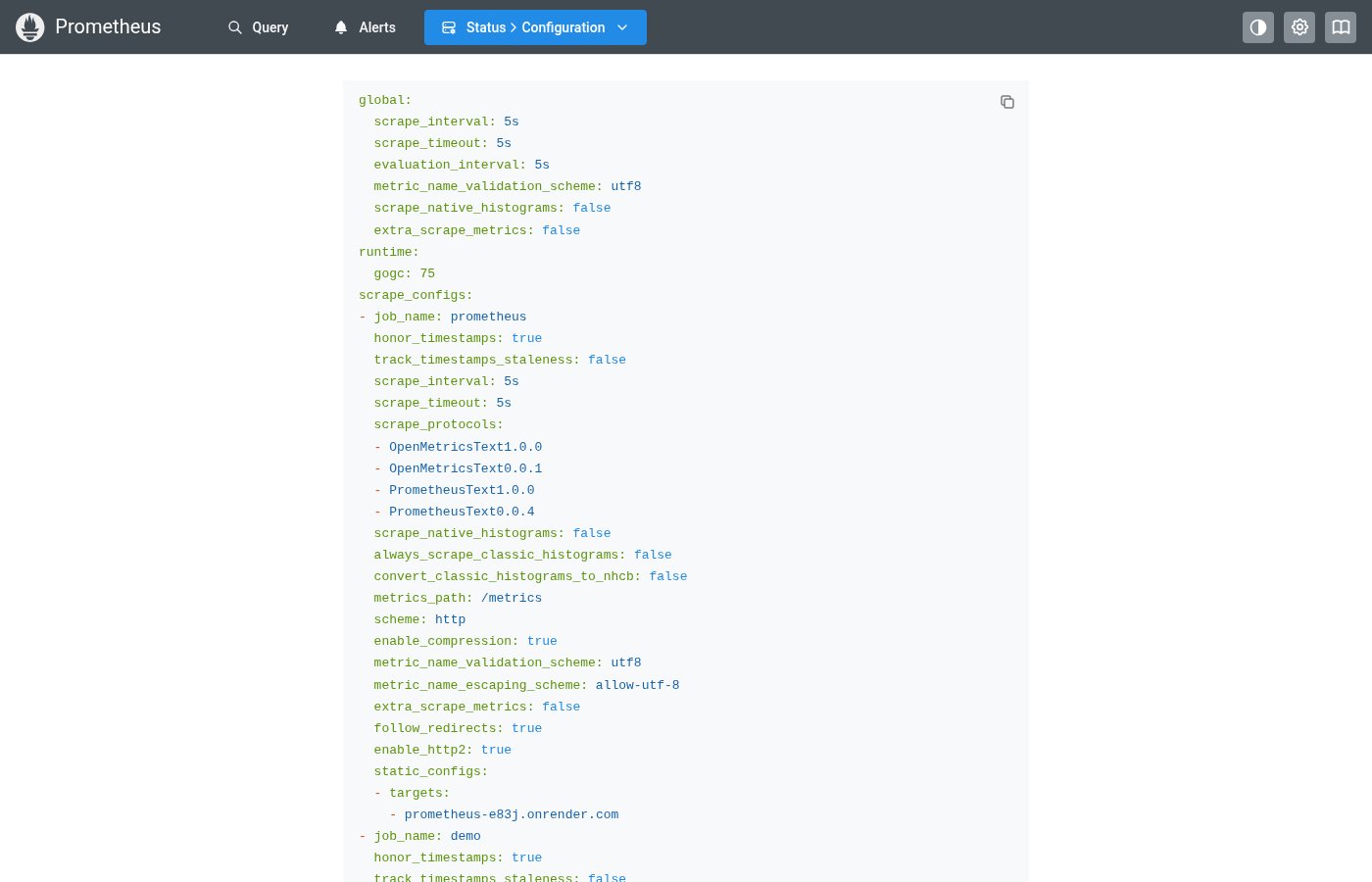
Where this component exists in the Prometheus UI
Implementation
From pages/ConfigPage.tsx in the Prometheus codebase:
export default function ConfigPage() {
  const {
    data: {
      data: { yaml },
    },
  } = useSuspenseAPIQuery<ConfigResult>({ path: `/status/config` });

  return (
    <CodeHighlight
      code={yaml}
      language="yaml"
      miw="50vw"
      w="fit-content"
      maw="calc(100vw - 75px)"
      mx="auto"
      mt="xs"
    />
  );
}
Layout Specs
| Property | Value |
|---|---|
| Padding | 16px (md) default |
| Border Radius | 8px (md) |
| Border Width | 1px |
| Font Family | DejaVu Sans Mono |
| Font Size | 13px |
| Line Height | 1.6 |
Accessibility
- Uses
data-languageattribute for programmatic identification - Font size is scaled with
--mantine-scalefor user preference respect