HealthPanel
An Accordion.
Description
An Accordion.Item with a health-state left border. Resolves the dual AlertsPage/RulesPage border inconsistency where AlertsPage used CSS module classes with step-3 colors and RulesPage used inline styles with step-4 colors.
✓ Do
- Displaying groups of alerts with health state
- Displaying rule groups with health state
- Any accordion item needing a colored health indicator
✗ Don’t
- Non-accordion card layouts (use InfoCard)
- Single status display without expandable content
- Inline border styles or mixing color steps across pages
Design
Health Panel Variants
▸ recording_rules ok
3 rules, last evaluation: 1.2ms
▸ critical_alerts firing
2 of 5 alerts firing
▸ warning_rules pending
1 pending alert
▸ unknown_group unknown
No evaluation data
Color Steps
The canonical resolution: Step-3 (light) / Step-8 (dark) for all border colors. This normalizes the RulesPage which was using step-4.
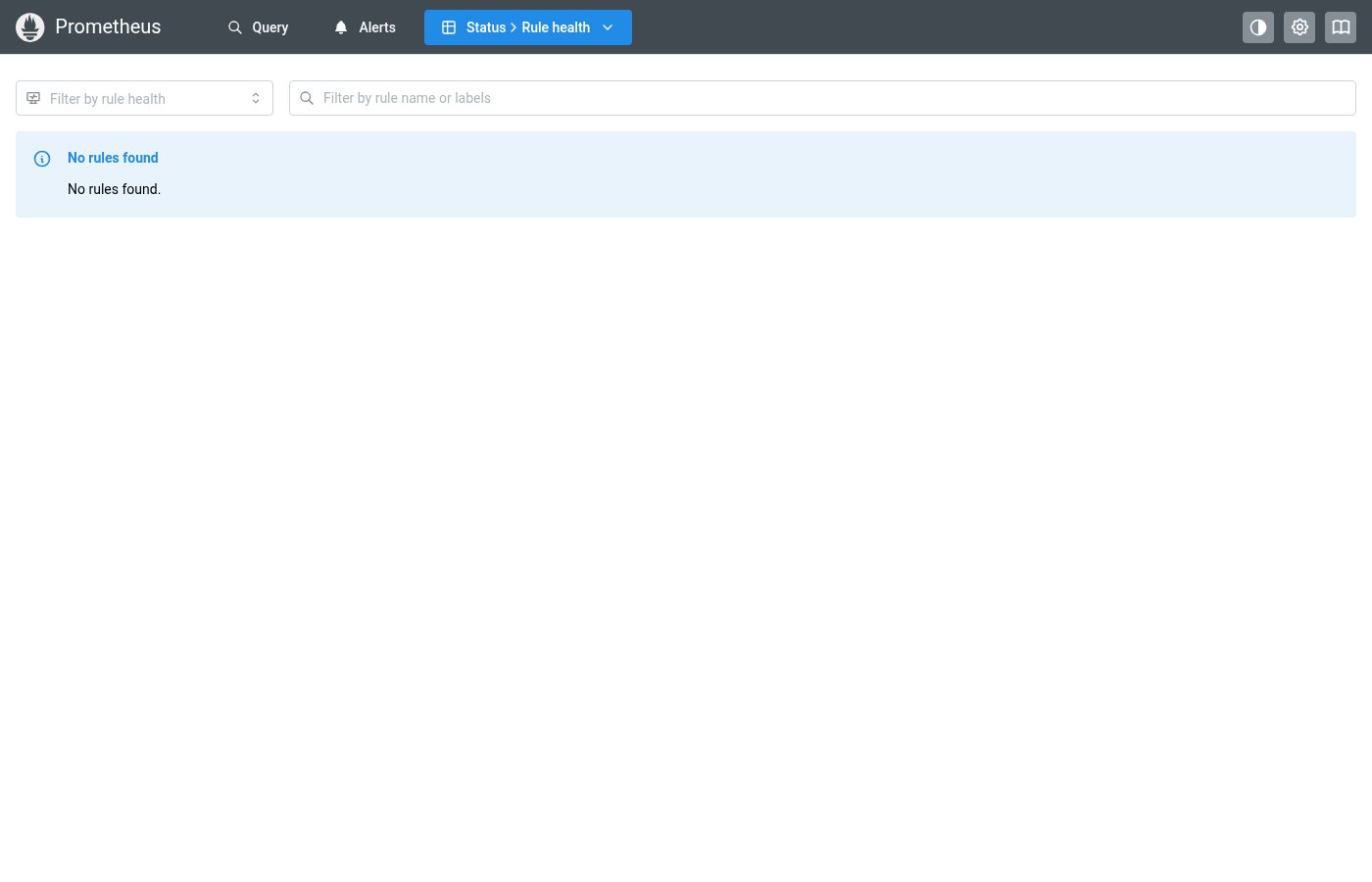
Where this component exists in the Prometheus UI
View in Prometheus UI → /alerts
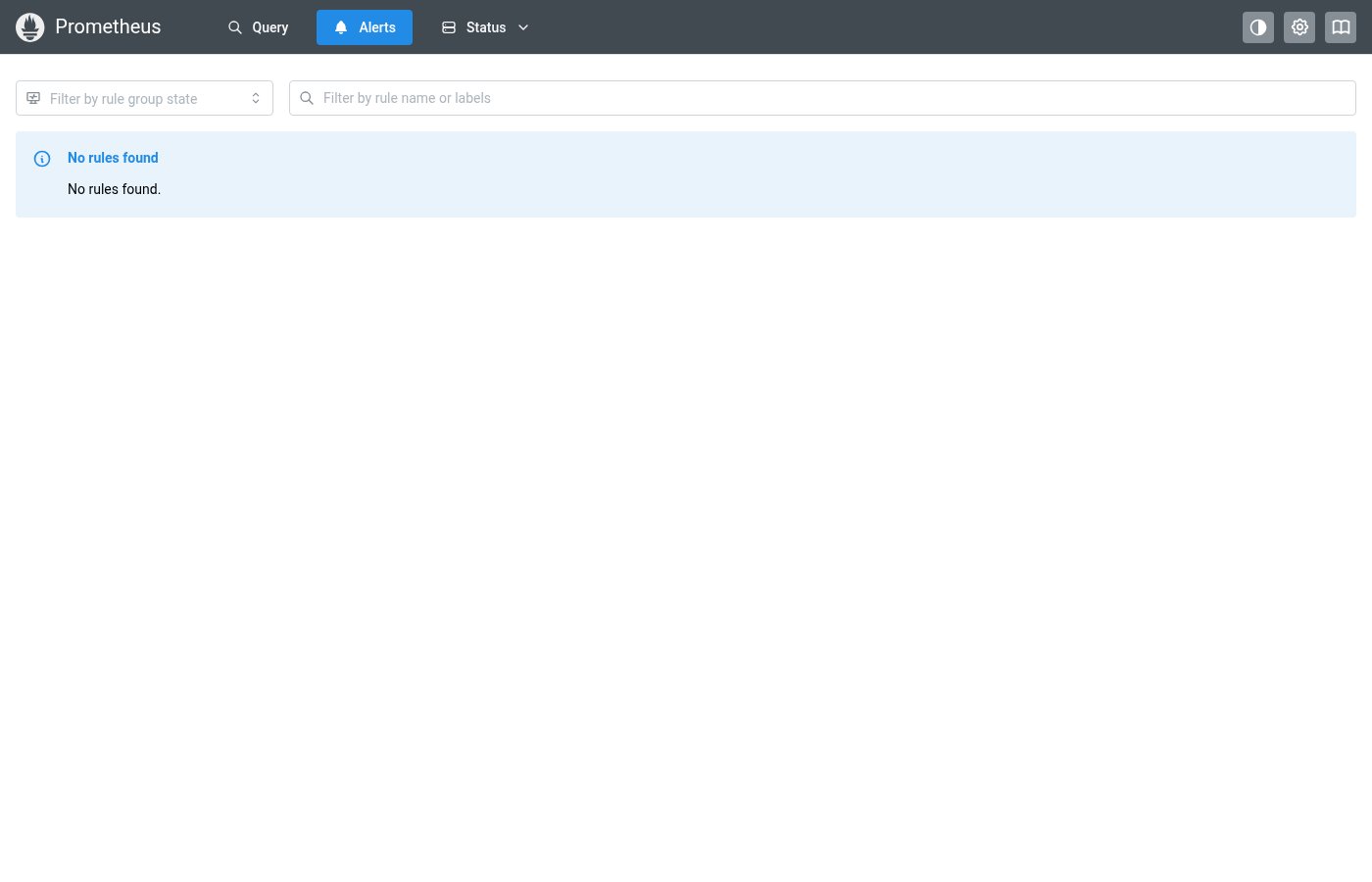
HealthPanel on the Alerts page — colored left borders on accordion items
Implementation
From Panel.module.css + pages/AlertsPage.tsx in the Prometheus codebase:
/* Panel.module.css */
.panelHealthOk {
  border-left: 5px solid
    light-dark(var(--mantine-color-green-3), var(--mantine-color-green-8)) !important;
}

.panelHealthErr {
  border-left: 5px solid
    light-dark(var(--mantine-color-red-3), var(--mantine-color-red-9)) !important;
}

/* AlertsPage.tsx — applied to Accordion.Item */
<Accordion.Item
  className={
    r.counts.firing > 0
      ? panelClasses.panelHealthErr
      : r.counts.pending > 0
        ? panelClasses.panelHealthWarn
        : panelClasses.panelHealthOk
  }
>
Layout Specs
| Property | Value |
|---|---|
| Padding | 12px 16px (0.75rem 1rem) |
| Gap (internal) | 8px (xs) |
| Border Radius | 8px (md) |
| Border Left Width | 5px |
| Border Width (outline) | 1px |
| Min Height | auto (content-driven) |
| Title Font Size | 14px (sm) |
Accessibility
- Inherits Mantine Accordion accessibility (arrow keys, Enter/Space to toggle)
- Health status is conveyed visually through border color, complemented by StatusBadge text labels inside the panel header