ThemeToggle
Cycles through light → dark → auto color scheme.
Description
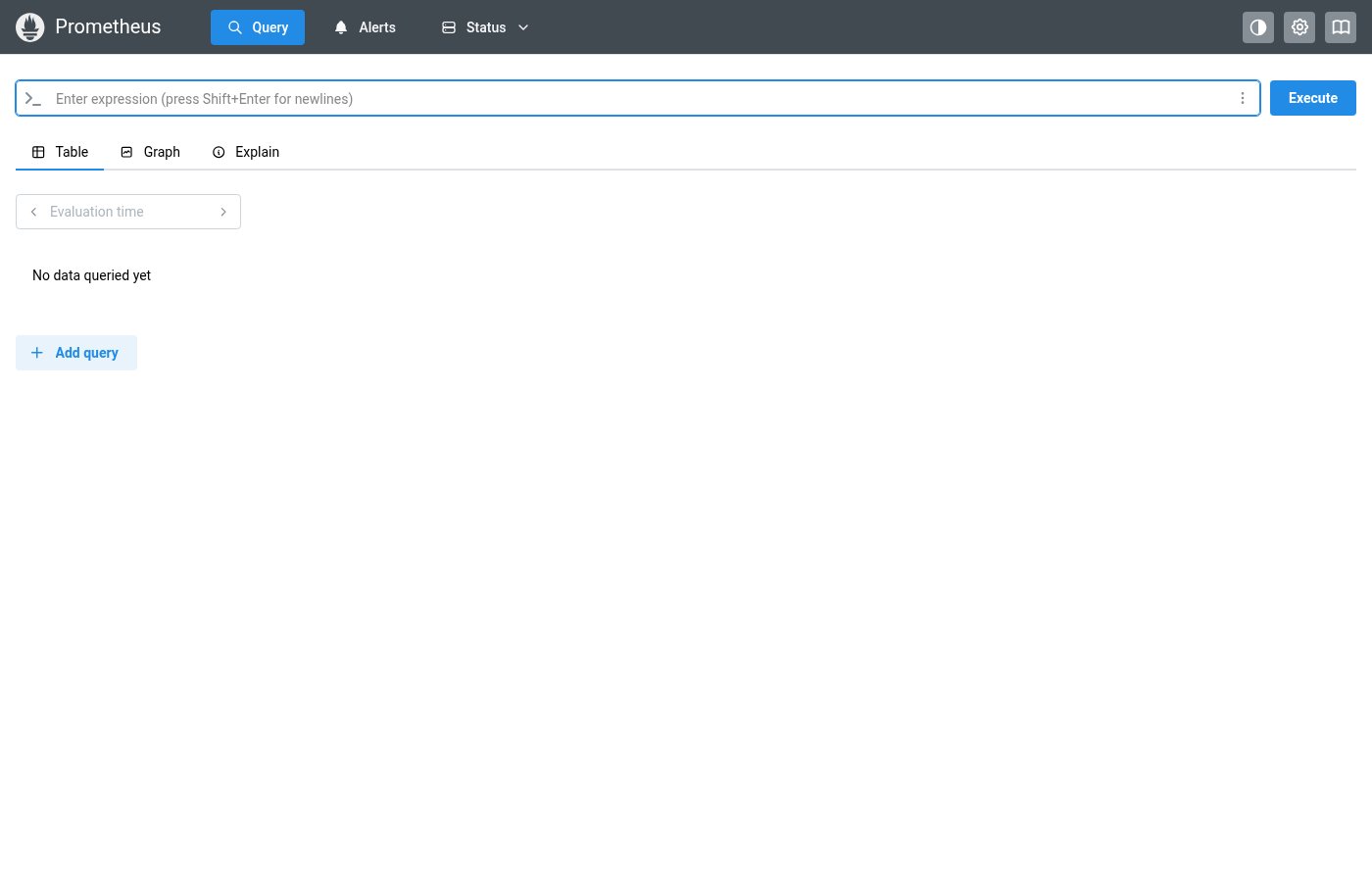
Cycles through light → dark → auto color scheme. Replaces ThemeSelector from the source. Renders as an action icon button showing the current theme state.
✓ Do
- Application header for theme switching
- Let it manage color scheme state internally
- Any context where users need light/dark/auto control
✗ Don’t
- Page-level or content-specific color controls
- Separate theme switching mechanisms outside this component
- Manual color scheme state management alongside ThemeToggle
Design
ThemeToggle States (on dark header)
☀️
🌙
🖥️
ColorSchemePreference Type
type ColorSchemePreference = "light" | "dark" | "auto";Where this component exists in the Prometheus UI
Implementation
From components/ThemeSelector.tsx in the Prometheus codebase:
export const ThemeSelector: FC = () => {
  const { colorScheme, setColorScheme } = useMantineColorScheme();
  return (
    <ActionIcon color="gray" size={32}
      onClick={() => setColorScheme(
        colorScheme === "light" ? "dark" : colorScheme === "dark" ? "auto" : "light"
      )}>
      {colorScheme === "light" ? <IconSunFilled /> :
       colorScheme === "dark" ? <IconMoonFilled /> :
       <IconBrightnessFilled />}
    </ActionIcon>
  );
};
Layout Specs
| Property | Value |
|---|---|
| Size | 32px × 32px |
| Border Radius | 4px (default) |
| Border Width | 1px |
| Icon Size | 16px |
| BG | rgba(255,255,255,0.1) |
| Hover BG | rgba(255,255,255,0.25) |
Accessibility
- Button has descriptive
aria-labelshowing current and next state - Cycles through three states: light → dark → auto → light