ErrorAlert
Standardized alert component for error, warning, and info messages.
Description
Standardized alert component for error, warning, and info messages. Used throughout Prometheus UI for API errors, readiness warnings, and informational messages. Wraps Mantine Alert with semantic severity.
✓ Do
- API error display
- Readiness/startup warnings
- Informational messages about running mode
✗ Don’t
- Empty states (use EmptyState)
- Success confirmations (use Mantine Notification)
- Inline validation errors (use input error prop)
Design
Error
Failed to load targets
Network error: connection refusedWarning
Prometheus is starting up
WAL replay in progress: 67%Info
Prometheus is running in agent mode.
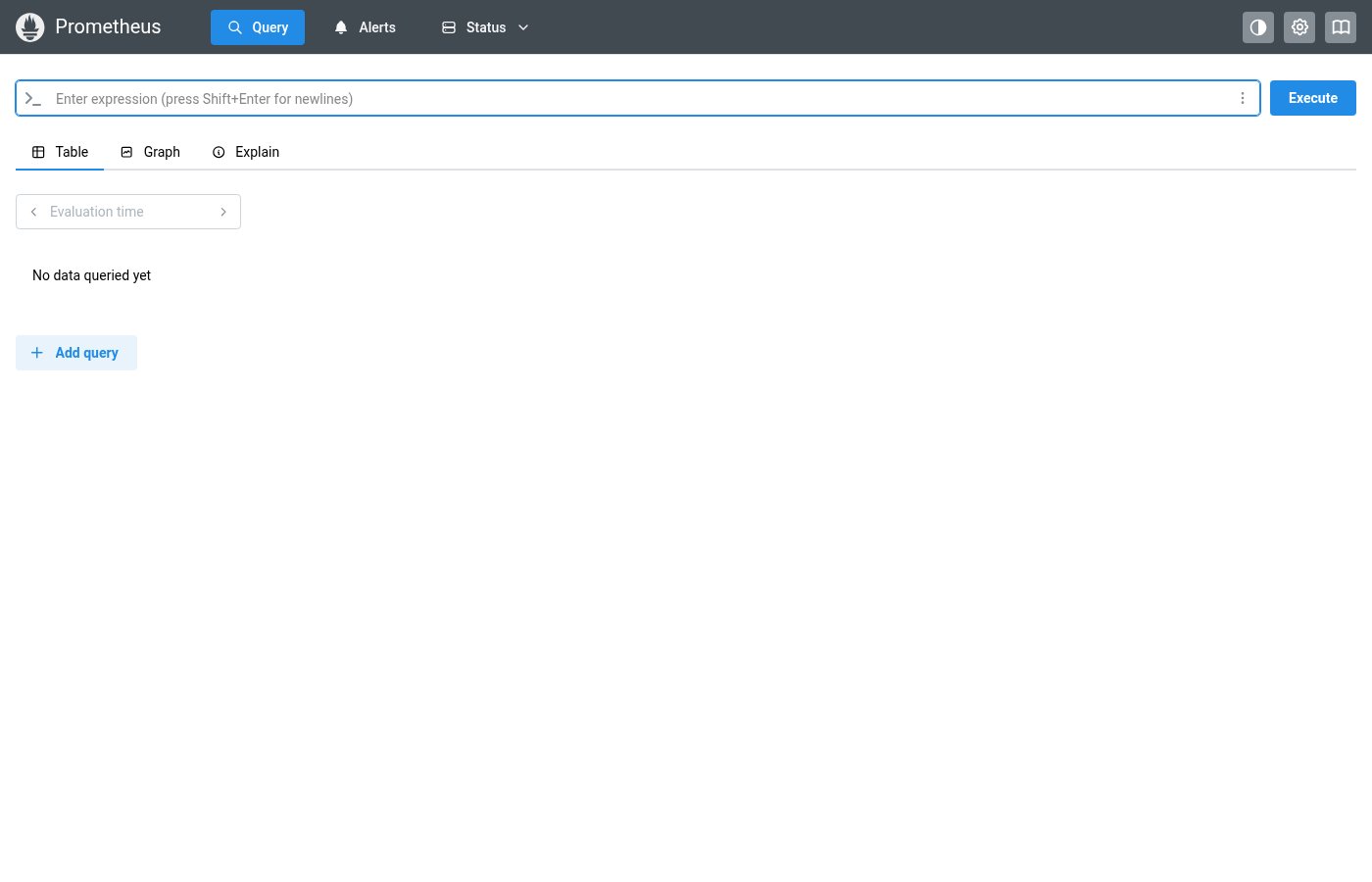
Where this component exists in the Prometheus UI
Implementation
From pages/RulesPage.tsx + pages/targets/ScrapePoolsList.tsx in the Prometheus codebase:
/* RulesPage.tsx — rule evaluation error */
{r.lastError && (
  <Alert color="red" mt="sm" title="Rule failed to evaluate"
         icon={<IconAlertTriangle />}>
    <strong>Error:</strong> {r.lastError}
  </Alert>
)}

/* ScrapePoolsList.tsx — target scrape error */
{target.lastError && (
  <Alert color="red" mb="sm" icon={<IconAlertTriangle />}>
    <strong>Error scraping target:</strong> {target.lastError}
  </Alert>
)}
Layout Specs
| Property | Value |
|---|---|
| Padding | 12px 16px (0.75rem 1rem) |
| Gap (icon to text) | 10px (0.625rem) |
| Border Radius | 6px |
| Border Width | 1px |
| Max Width | 500px default |
| Font Size | 13px |
| Title Font Weight | 600 (semibold) |
Accessibility
- Uses Mantine Alert which provides proper ARIA role
- Icon is decorative — severity is conveyed by color and title
- Error alerts use
color="red", warnings usecolor="yellow", info usescolor="blue"