SettingsPanel
Popover panel for user settings.
Description
Popover panel for user settings. Renders as a gear icon button that opens a settings popover with grouped checkboxes and number inputs. Replaces SettingsMenu from the source.
✓ Do
- Application-level settings (syntax highlighting, linting, time format)
- User preferences that persist to localStorage
- Place in the header actions area, group related settings logically
✗ Don’t
- Page-level filters (use FilterToolbar)
- Modal dialogs with complex forms
- Custom popover settings outside this component
Design
SettingsPanel Popover
Query Settings
Enable syntax highlighting✓
Enable autocomplete✓
Enable linting
Display
Use local time✓
Show annotations
SettingGroup Interface
| Property | Type | Description |
|---|---|---|
title | string | Group heading |
settings | (SettingCheckbox | SettingNumber)[] | Settings in this group |
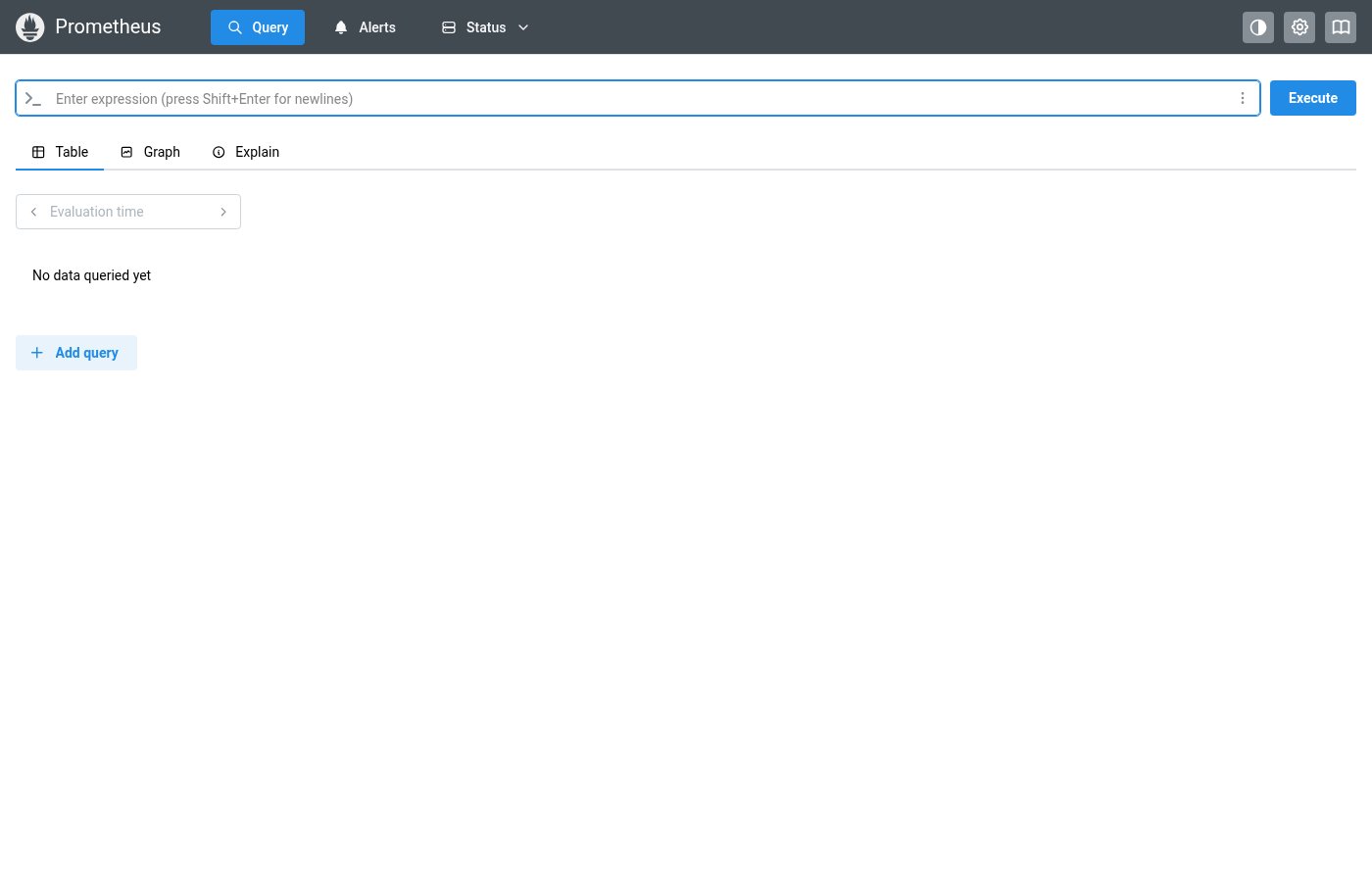
Where this component exists in the Prometheus UI
Implementation
From components/SettingsMenu.tsx in the Prometheus codebase:
<Popover position="bottom" withArrow shadow="md">
  <Popover.Target>
    <ActionIcon color="gray" title="Settings" size={32}>
      <IconSettings style={actionIconStyle} />
    </ActionIcon>
  </Popover.Target>
  <Popover.Dropdown>
    <Stack>
      <Fieldset p="md" legend="Global settings">
        <Checkbox checked={useLocalTime} label="Use local time"
          onChange={(e) =>
            dispatch(updateSettings({ useLocalTime: e.currentTarget.checked }))
          } />
      </Fieldset>
      <Fieldset p="md" legend="Query page settings">
        <Stack>
          <Checkbox checked={enableQueryHistory} label="Enable query history" />
          <Checkbox checked={enableAutocomplete} label="Enable autocomplete" />
          <Checkbox checked={enableSyntaxHighlighting} label="Enable syntax highlighting" />
        </Stack>
      </Fieldset>
    </Stack>
  </Popover.Dropdown>
</Popover>
Layout Specs
| Property | Value |
|---|---|
| Padding | 16px (1rem) |
| Max Width | 320px |
| Border Radius | 8px (md) |
| Border Width | 1px |
| Shadow | md (--mantine-shadow-md) |
| Group Title Font Size | 12px |
| Item Font Size | 13px |
| Checkbox Size | 16px |
Accessibility
- Popover is triggered by a button with aria-label
- Checkboxes use native Mantine Checkbox with labels
- Focus is managed by Mantine Popover