NavButton
Header navigation link with active state highlighting.
Description
Header navigation link with active state highlighting. Renders inside the always-dark header. Uses Mantine Button styled as a nav link with react-router-dom NavLink for route matching.
✓ Do
- Primary navigation in the application header
- Links to main pages (Query, Alerts, Targets, etc.)
- Let active state be auto-detected from route
✗ Don’t
- Sidebar or in-page navigation
- External links
- Raw Button with manual active state logic
Design
NavButton States (on dark header)
Query
Alerts
Rules
Targets
Status
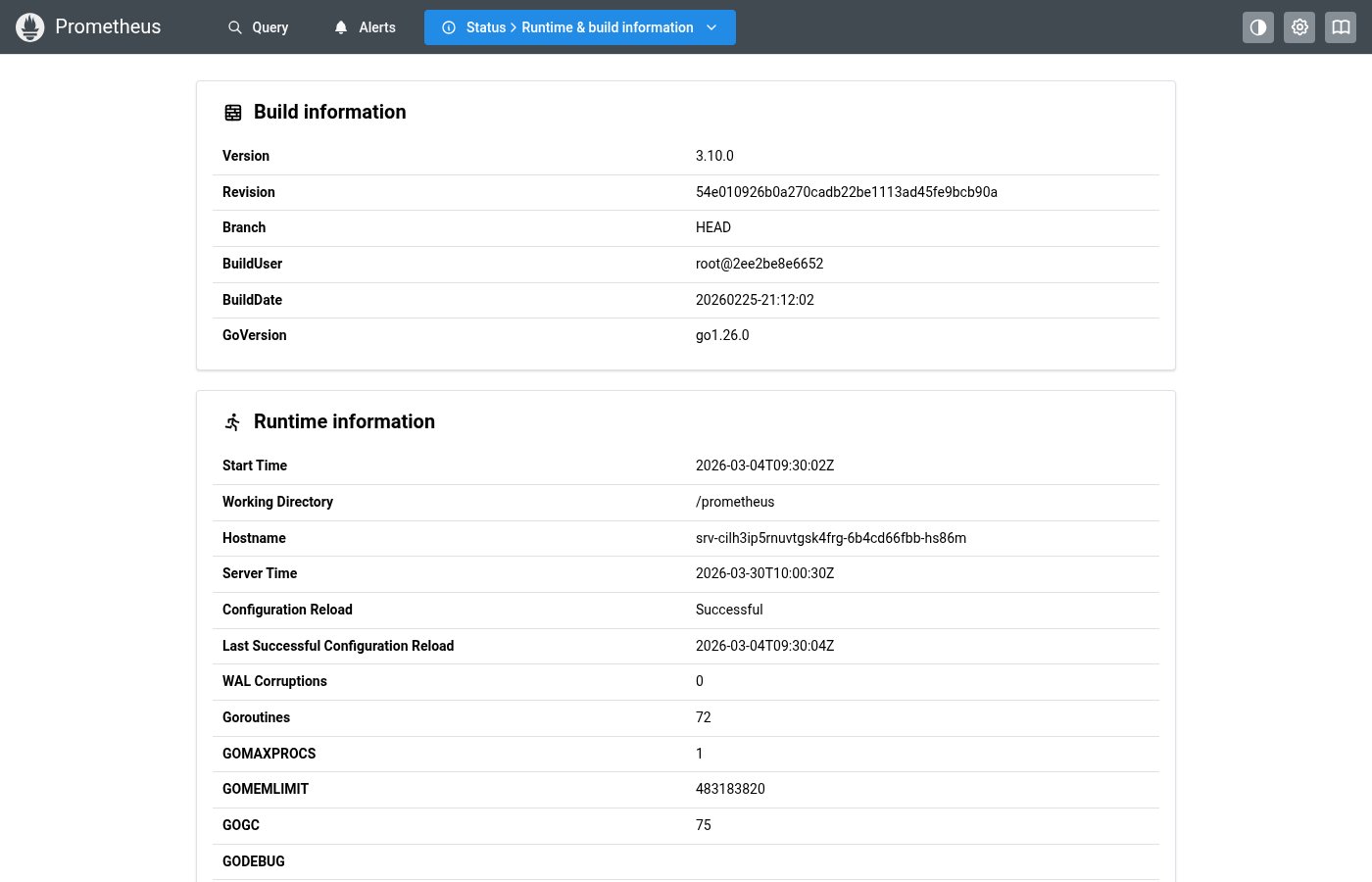
Where this component exists in the Prometheus UI
Implementation
From App.tsx + App.module.css in the Prometheus codebase:
/* App.tsx */
{mainNavPages.map((p) => (
  <Button key={p.path} component={NavLink} to={p.path}
    className={classes.link} leftSection={p.icon} px={navLinkXPadding}>
    {p.title}
  </Button>
))}

/* App.module.css */
.link {
  display: block;
  padding: rem(8px) rem(12px);
  border-radius: var(--mantine-radius-sm);
  color: var(--mantine-color-gray-0);
  font-size: var(--mantine-font-size-sm);
  font-weight: 500;
  background-color: transparent;
}
.link:hover { background-color: var(--mantine-color-gray-6); }
.link[aria-current="page"] {
  background-color: var(--mantine-color-blue-filled);
  color: var(--mantine-color-white);
}
Layout Specs
| Property | Value |
|---|---|
| Padding | 6px 12px (0.375rem 0.75rem) |
| Gap (icon to label) | 6px (0.375rem) |
| Border Radius | 4px (default) |
| Font Size | 13px |
| Active BG | #228be6 (primary) |
| Hover BG | rgba(255,255,255,0.1) |
| Text Color | rgba(255,255,255,0.8) |
Accessibility
- Uses
NavLinkwhich setsaria-current="page"for active state - Inherits standard link keyboard navigation